


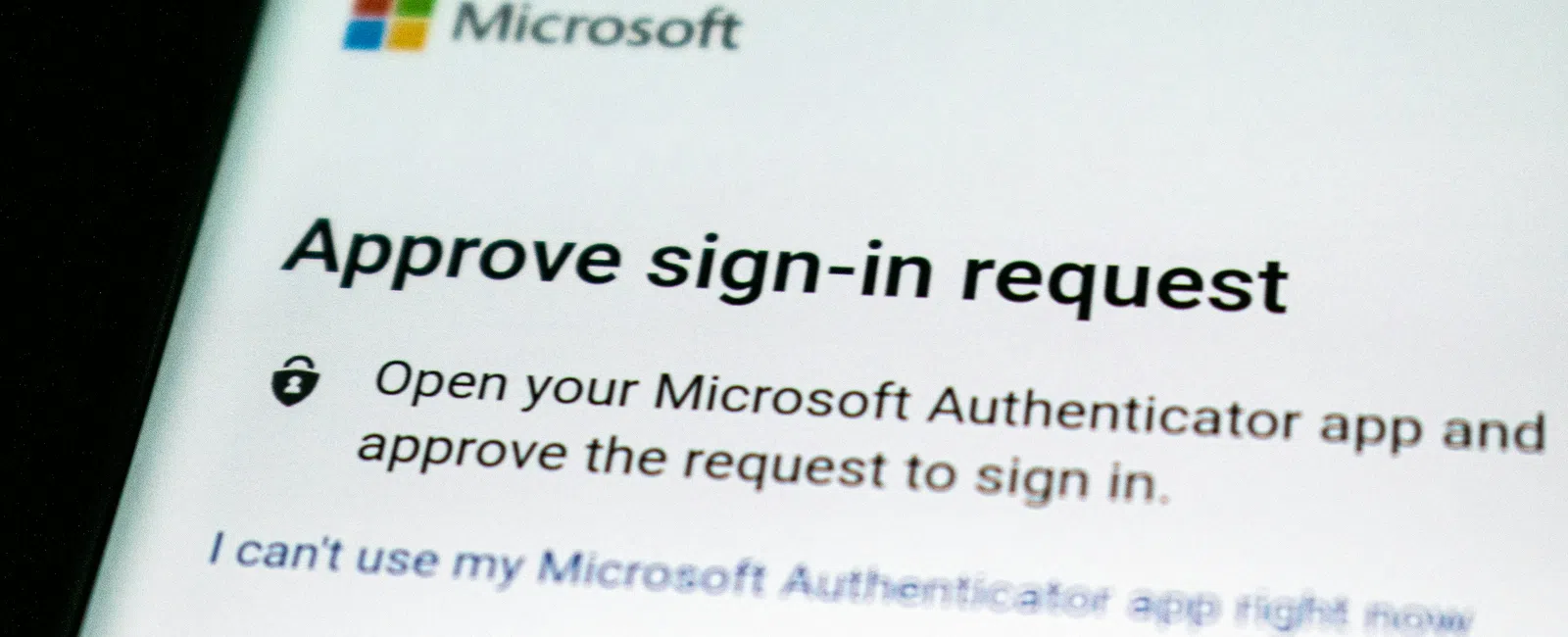
Imagine an employee at a Quincy business sitting at their
desk when their phone buzzes with an MFA notification: Approve sign-in?
They aren't signing in to anything, so they hit Deny
and get back to work. A few minutes later, it happens again. Then again. At
some point, it would be tempting to assume Microsoft is just being weird today
and clear the notification without thinking much about it.
But that little prompt may be telling them something
important: someone else could already have their password.
We tend to think of passwords as the things protecting our
accounts. Increasingly, it makes more sense to think of them as only the first
lock on the door. Multi-factor authentication, good password habits, and
employees who understand unusual login activity all work together to protect
the identities a business relies on every day.
And that matters because your password might not be
particularly interesting to a cybercriminal. Pretending to be you is.
Your Work Account Is More Valuable Than You Think
Most employees don't think of themselves as attractive
hacking targets. The president? Sure. The CFO? Obviously. Karen in accounting?
Apparently cybercriminals have strong feelings about Karen. But what about a
project coordinator, receptionist, customer service employee, salesperson, or
office manager?
The answer is that once a criminal can operate as a trusted
employee, they inherit something much more useful than an email address: trust.
Think about what sits inside an ordinary business mailbox.
There may be years of conversations, customer relationships, vendor contacts,
invoices, meeting invitations, shared documents, email signatures, and examples
of how the employee normally communicates. A criminal who gains access can use
that information to understand the organization before impersonating the
employee or targeting someone else.
Microsoft's guidance for investigating compromised Microsoft
365 accounts tells administrators to look for suspicious sent messages, deleted
mail, unusual forwarding rules, changed contact information, and external email
forwarding. Those are all ways a compromised account can be manipulated after
an attacker gets inside.
That's why we shouldn't think of account compromise as
simply, "Someone got my email password." A better way to think about it is, "Someone
may now be able to behave like an employee."
For Quincy businesses, and companies throughout nearby
Braintree, Milton, and Weymouth, the identities employees use to access email,
files, cloud applications, and company systems have effectively become part of
the organization's security perimeter. The office walls matter less than they
used to. Your login is one of the new front doors.
One Password Should Open One Door
Passwords themselves have not exactly made life easier. Your
email wants one. Your accounting platform wants one. The project-management
system wants one. The vendor portal wants one. Somewhere along the way, the
perfectly understandable human response was invented: Summer2025!
followed, naturally, by Summer2026!
Cybersecurity professionals everywhere shed a single tear.
The bigger problem, though, isn't simply whether a password
is complicated. It's whether the same password gets reused. If an employee uses
one password for several services, a compromise somewhere else can create a
problem for the business.
That's why password managers are so useful. Instead of
asking an employee to memorize 27 different strings that look like they were
generated when a cat walked across a keyboard, a password manager can generate
and store unique passwords for individual accounts.
NIST's small-business cybersecurity guidance recommends
strong passwords and suggests considering a password manager as a practical way
to maintain unique credentials across many accounts.
The employee lesson is simple: don't become good at
remembering passwords; become good at not reusing them.
For the business, that also means password security
shouldn't depend entirely on telling employees to "make better choices." Give
them the right tools. Use a company-approved password manager. Eliminate shared
credentials where possible. Remove accounts when people leave. Make secure
behavior the easiest behavior.
There is only so much cybersecurity value in creating a
14-page password policy nobody reads.
MFA Is the Second Lock
This brings us to multi-factor authentication, or MFA, which
has earned the impressive distinction of being both one of the most useful
basic cybersecurity controls and one of the technologies most likely to make
someone sigh when their phone buzzes.
MFA simply means that knowing the password isn't enough. You
also prove that you are you using another factor, which might be an
authenticator application, security key, passkey, biometric, or one-time code.
NIST describes MFA as an important additional barrier when a
password has been compromised and recommends enabling it on accounts that
support it. CISA similarly recommends MFA for business systems including email,
file storage, remote access, and privileged accounts, while noting that
stronger phishing-resistant methods should be used where practical.
The part employees actually need to remember is much
simpler: an MFA prompt is asking you a question. Are you trying to sign in?
If the answer is yes, complete the authentication. If the
answer is no, don't approve it.
That sounds almost comically obvious when written down, but
people are busy and notifications are annoying. We develop muscle memory:
accept, allow, okay, continue, yes, yes, yes, please make the box disappear so
I can finish what I was doing.
Attackers understand that. Authentication should never
become a reflex.
An MFA Prompt You Didn't Request Is a Warning
Let's go back to the Quincy employee from the beginning.
Their phone buzzes with another Approve sign-in? request. They didn't
initiate it, so they deny it.
Good. But they shouldn't necessarily stop there.
The next question is: Why did someone just try to
authenticate as me?
There may be an innocent explanation, and an unexpected
prompt does not automatically mean an account has been compromised. But it can
also indicate that someone is attempting to access the account. If an attacker
has reached the MFA step, another part of the login process may already have
been compromised.
So the employee rule should not simply be "Didn't request
it? Deny it."
It should be:
Didn't request it? Deny it and report it.
Employees aren't expected to diagnose the incident. They
don't need to determine where the login came from, track down the attacker, or
dramatically announce "I've got you now" before opening a black command-line
window. They simply need to recognize that they did not initiate the activity
and that someone responsible for security should know about it.
That also means every business should have an obvious answer
to a surprisingly important question: If an employee sees something
suspicious, who do they tell? Whether the answer is a help desk, an
internal IT person, a security button, or Systems Support, the procedure only
works if employees know it exists.
The Best Password Is the One an Attacker Still Can't Use
Passwords aren't going away tomorrow. Employees still need
good ones. They should be unique, stored securely, and managed with tools that
make good habits practical.
But passwords can be phished. They can be reused. They can
be exposed through another service. They can be entered into convincing fake
websites. They can simply become known to somebody who shouldn't know them.
That's why MFA matters, and it's why employees who
understand MFA matter too.
So return one last time to our employee in Quincy. Their
phone buzzes with another authentication request. This time, it doesn't feel
like another piece of technology demanding attention. It feels like what it
really is: someone standing at the digital front door and trying a key.
The employee presses Deny, then tells someone.
That small decision might be the difference between a stolen
password and a stolen account.
For businesses in Quincy and neighboring communities
including Braintree, Milton, and Weymouth, protecting employee identities is
now an essential part of protecting the business itself. Your employees don't
have to be cybersecurity experts. They just need to understand what they're
protecting, recognize when something doesn't look right, and know when to speak
up.
That's another way your people become part of your security
system—and during Cyber Smart September, that's exactly the kind of sitting
duck we're trying to eliminate.
In Short
Quincy businesses can reduce account compromise by using
unique passwords, company-approved password managers, and multi-factor
authentication for employee accounts. Employees should never approve an MFA
request they did not initiate and should report unexpected authentication
activity, because a compromised Microsoft 365 or business email account can
allow an attacker to impersonate a trusted employee.
For businesses in Quincy, Braintree, Milton, Weymouth, and
throughout Greater Boston, protecting employee identities should be treated as
a basic part of everyday cybersecurity rather than simply an IT setting.
Frequently Asked Questions
What is MFA, and why does a small business need it?
Multi-factor authentication requires more than a password
before someone can access an account. The additional factor might be an
authenticator app, passkey, security key, biometric, or one-time code.
MFA helps protect a small business when an employee's
password is stolen or exposed because the password alone may no longer be
enough to access the account.
What should I do if I get an MFA request I didn't
initiate?
Do not approve it. Deny the request and report the
unexpected authentication activity using your company's established IT or
cybersecurity process.
An unexplained MFA prompt does not automatically mean an
account has been compromised, but it deserves attention because someone may be
attempting to authenticate using that employee's identity.
Are password managers safe for businesses?
A reputable, properly secured password manager can help
employees create and use strong, unique passwords instead of reusing passwords
across multiple accounts.
Businesses should use an approved password-management
solution, protect access to the password vault itself, and combine password
management with MFA and appropriate account controls.


