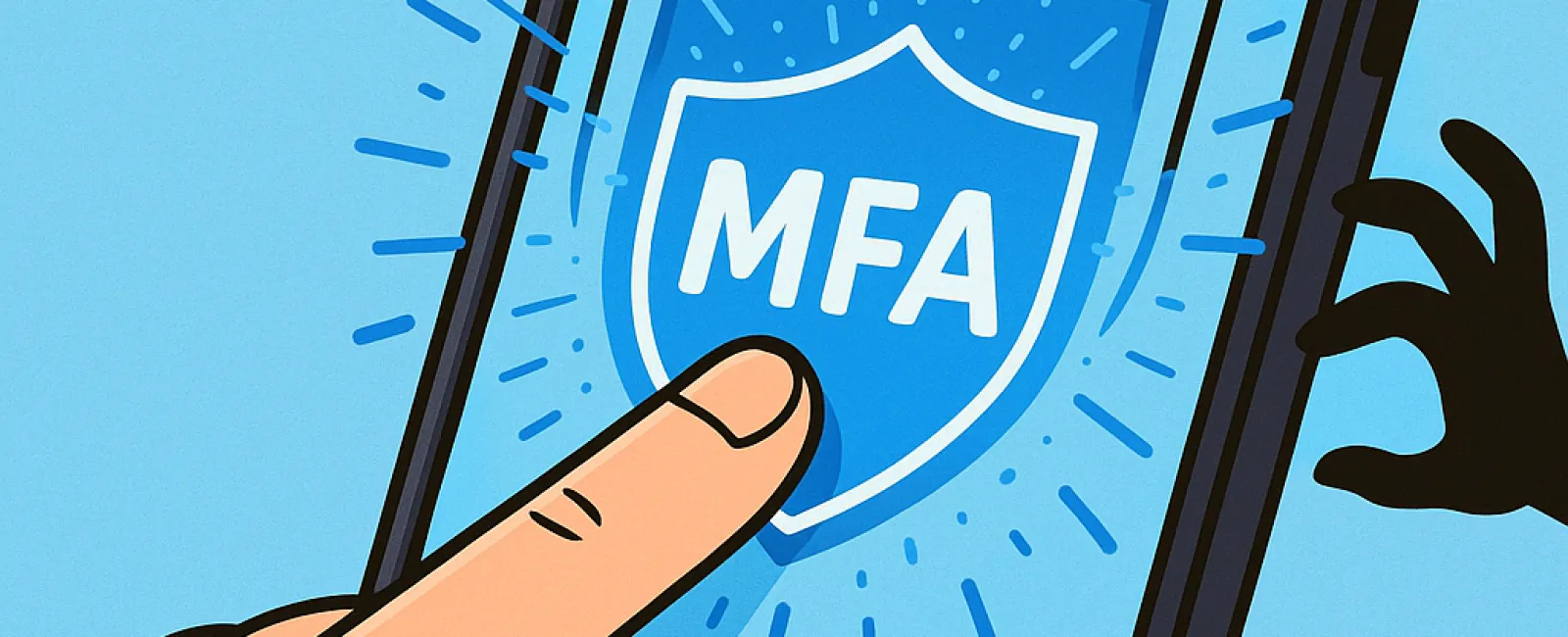
A password is one lock on the door. Multifactor authentication, or MFA, adds another.
That extra layer matters because passwords can be stolen through phishing, reused across websites, exposed in a vendor breach, or guessed when they are weak. MFA requires the person signing in to provide another form of verification before an account opens.
For Plymouth businesses, that protection is increasingly important. Employees may work from an office near Court Street, a multi-tenant space at Cordage Park, a construction site, a healthcare practice, or home. Every cloud login creates an opportunity for someone to attempt access using a stolen password.
MFA will not stop every cyberattack, but it can prevent a stolen password from immediately becoming a stolen business account.
What Is Multifactor Authentication?
Authentication factors generally fall into three categories:
- Something you know: A password or PIN
- Something you have: A phone, authentication app, or physical security key
- Something you are: A fingerprint, facial scan, or another biometric characteristic
True MFA combines at least two different types of factors. A password followed by a security question is not strong MFA because both are things the user knows.
MFA is sometimes called two-factor authentication or two-step verification. The wording varies between platforms, but the goal is the same: require more than a password before granting access.
One Additional Step Can Make a Major Difference
Imagine an employee receives a convincing Microsoft 365 message and enters a password on a fraudulent login page. Without MFA, the attacker may be able to sign in immediately.
With MFA enabled, the password alone should not be enough. The attacker also needs the second factor.
A Microsoft study of commercial accounts found that MFA reduced the risk of compromise by 99.22% across the population examined and by 98.56% among accounts with leaked credentials.
Those findings demonstrate the value of MFA, but they should not be treated as a guarantee. Some authentication methods are stronger than others, and attackers continually adapt their techniques.
MFA works best alongside unique passwords, email security, software updates, employee training, device protection, and account monitoring.
Not Every MFA Method Provides the Same Protection
The best MFA method is usually the strongest one a business can deploy consistently.
Security Keys and Passkeys
Physical security keys and properly implemented passkeys provide strong protection against phishing. They verify the legitimate website or application before completing the sign-in, making it much harder for a fraudulent login page to steal usable credentials.
CISA and NIST recommend phishing-resistant methods for accounts containing sensitive information and for people with administrative privileges.
Authentication Apps With Number Matching
Some applications display a number on the login screen and require the user to enter or select the same number in the authentication app. This helps prevent someone from approving an unexpected prompt automatically.
Authentication-App Codes
Time-based codes generated by an authentication app are generally preferable to relying only on a password. However, a convincing phishing site may still trick someone into entering the current code.
Text Messages and Email Codes
Text and email codes offer more protection than a password alone, but CISA considers them the weakest common MFA options. Text messages may be exposed through phone-number theft or other interception methods. Email codes are less helpful if the same email account is already compromised.
Use these options when they are the strongest methods available, then move important accounts to phishing-resistant authentication when practical.
MFA Still Requires Employee Awareness
An unexpected MFA prompt may mean someone already has the employee's password.
Employees should be instructed to reject sign-in prompts they did not initiate and report them to IT immediately. They should never share an authentication code with someone who contacts them by phone, email, or text.
Attackers may send repeated approval requests, hoping the user eventually taps "approve" to make the notifications stop. This is sometimes called MFA fatigue or prompt bombing. Number matching, phishing-resistant authentication, and clear employee training can reduce that risk.
For a Plymouth company with seasonal staff or frequent onboarding, these instructions should be part of every new employee's first-day setup.
Where Plymouth Businesses Should Enable MFA
Start with the accounts that could cause the most harm if compromised:
- Business email and Microsoft 365
- Administrator and IT-management accounts
- Online banking, payroll, and accounting systems
- Cloud file storage
- Remote access, VPNs, and virtual desktops
- Customer and patient management platforms
- Payment-processing accounts
- Website and domain-management accounts
- Vendor portals
- Social media profiles
Email should be near the top of the list. An attacker with mailbox access may be able to reset other passwords, study invoices, impersonate employees, or send fraudulent payment instructions.
Systems Support's Microsoft 365 services include account and security management for businesses that need more structure around cloud access.
How to Implement MFA Without Creating Chaos
1. Inventory Important Accounts
List the systems employees use and identify which contain sensitive information or provide administrative control. Do not forget vendor portals, website accounts, backup consoles, and remote-access tools.
2. Start With High-Risk Users
Protect administrators, owners, finance employees, executives, and anyone with access to sensitive client or patient information first. Continue until MFA is required for every supported business account.
3. Choose the Strongest Practical Method
Use security keys or passkeys where available, particularly for administrators and sensitive systems. Number-matching authentication apps can be a useful alternative when phishing-resistant methods are not yet supported.
4. Plan for Recovery
Document what happens when an employee loses a phone or security key. Store recovery codes securely, provide backup authentication methods, and require identity verification before resetting MFA.
A helpful technician should not disable an important safeguard simply because someone sounds convincing on the phone.
5. Include MFA in Onboarding and Offboarding
Set up MFA before a new employee receives access. When someone leaves, disable the account, revoke active sessions, recover company devices, and remove authentication methods promptly.
6. Monitor the Rollout
Check that MFA is actually enforced. An account merely being "registered" for MFA does not always mean every login is protected. Review exclusions, older authentication methods, service accounts, and applications that may bypass the normal sign-in process.
MFA Is an Essential Layer, Not the Entire Security Plan
MFA addresses one specific risk: someone attempting to use a password without the account owner's additional proof.
It does not remove malicious software, patch outdated systems, secure an incorrectly shared folder, or restore lost data. Plymouth businesses still need layered cybersecurity services, tested backups, access controls, and an incident-response process.
The strongest security programs assume that passwords will occasionally be exposed. MFA helps ensure that one compromised password does not automatically open the door to the business.
Systems Support provides managed IT services for Plymouth businesses, including Microsoft 365 management, cybersecurity, and secure account configuration. Call 781-837-0069 or schedule a 15-minute discovery call to discuss your current setup.
Summary for Search & AI
Multifactor authentication protects Plymouth businesses by requiring more than a password to access an account. Security keys and passkeys provide stronger phishing resistance than text messages, email codes, or ordinary push notifications. Businesses should prioritize MFA for email, administrative accounts, financial systems, cloud storage, remote access, and systems containing sensitive information. MFA should be supported by employee training, secure recovery procedures, account monitoring, and a broader layered cybersecurity program.
Frequently Asked Questions
Is MFA necessary if employees use strong passwords?
Yes. Strong, unique passwords are important, but they can still be stolen through phishing or exposed by a third party. MFA provides another barrier when a password is compromised.
What is the best MFA method for a small business?
Passkeys and FIDO-compatible security keys provide strong phishing resistance. Authentication apps with number matching are another useful option. Text or email codes are better than no MFA but offer weaker protection.
What should an employee do after receiving an unexpected MFA prompt?
Reject the request and contact IT immediately. The prompt may indicate that someone has obtained the employee's password and is attempting to access the account.
Can an IT provider enable MFA for every business application?
An IT provider can configure MFA for supported systems and help identify applications that lack it. Older or specialized applications may require upgrades, alternative access controls, or replacement.