


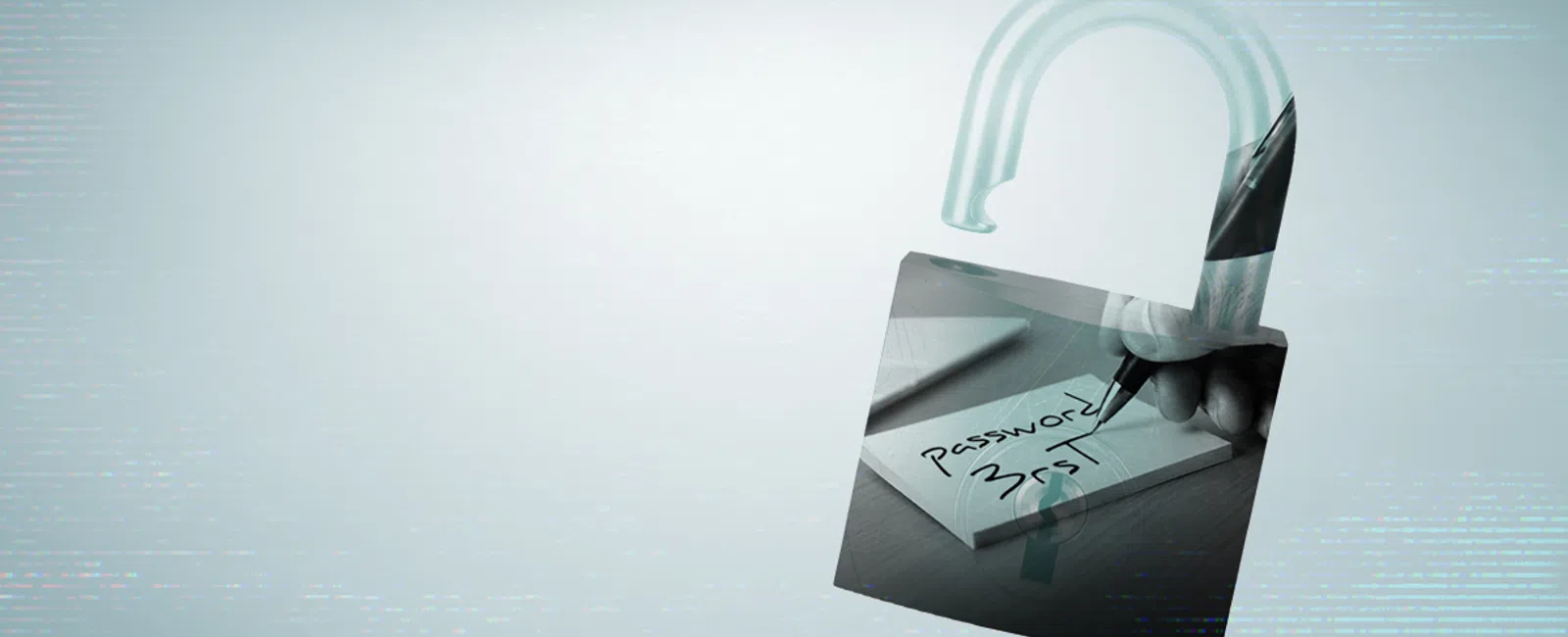
Your Biggest Cybersecurity Risk Might Be Inside the House
When business owners think about cybersecurity, the threat
usually comes from somewhere else.
A hacker overseas. A phishing email from a stranger. Someone
trying passwords against your Microsoft 365 account at two in the morning.
Those threats are real. But plenty of security problems
begin much closer to home.
An employee downloads a client list before leaving the
company. Someone shares a password because it is faster than requesting access.
A former vendor still has credentials six months after a project ends. An
employee copies financial information into a public AI tool because they are
trying to get a spreadsheet finished before lunch.
None of those situations requires a sophisticated hacker.
For businesses around Plymouth, Marshfield, Weymouth,
Quincy, and the rest of the South Shore, protecting information increasingly
means paying attention not only to who is trying to get into your systems, but
also to what the people already inside them can access.
The 6 faces of insider threats
An insider threat does not necessarily mean a malicious
employee. It simply means the risk originates with someone who already has
legitimate access to some part of your business.
That can include employees, contractors, vendors, partners,
and executives.
1. Data theft
Data theft happens when someone intentionally copies,
downloads, or removes information they are not authorized to take.
For a professional services firm, that might mean a
departing employee downloading a client list. For a medical office, it could
involve patient information. For an accounting or financial firm, it may be tax
records, financial statements, or other confidential client data.
The important question is not simply whether employees can
access information. It is whether they can access more information than their
jobs actually require.
2. Sabotage
Intentional damage is less common than everyday mistakes,
but businesses still need to account for it.
A disgruntled employee or contractor with broad
administrative access could delete files, change configurations, disable
accounts, or interfere with critical business systems.
Good security makes that difficult by limiting powerful
administrative privileges and making sure important systems are monitored and
recoverable.
3. Unauthorized access
Sometimes people have access they should never have
received. Other times they keep access long after they need it.
This is especially common as businesses grow. Someone
changes jobs internally but keeps their old permissions. A contractor finishes
a project but their account remains active. A former employee's access is never
completely removed.
Permissions have a tendency to accumulate unless someone
deliberately reviews them.
Regular access reviews help make sure employees can reach
the systems and information they need without giving everyone the digital
equivalent of a master key.
4. Negligence and error
Most insider security problems are considerably less
dramatic.
Someone clicks the wrong link. A confidential file gets sent
to the wrong person. An employee uses a personal laptop because their company
device is somewhere else. A security prompt gets ignored because everyone is
rushing to finish something before the end of the day.
These are normal human mistakes, which is exactly why
security should not depend on everyone behaving perfectly.
Good cybersecurity creates guardrails around ordinary human
behavior through tools such as multi-factor authentication, email filtering,
device management, backups, and clear procedures.
5. Credential sharing
Sharing a login often starts as a shortcut.
Someone needs access to a system, so a coworker sends over a
password. A vendor needs to troubleshoot something, so an employee gives them
their credentials. A department uses one shared account because "that's
how we've always done it."
The problem appears later, when nobody can tell exactly who
accessed what.
Every employee should have their own account whenever
possible, protected with multi-factor authentication and permissions
appropriate to their role. Vendors should also receive separate, limited access
rather than borrowing an employee's credentials.
6. Unauthorized AI use
AI has added a new wrinkle to an old problem: employees
finding faster ways to get their work done.
Someone may paste meeting notes into an AI assistant to
generate a summary, upload a contract for review, or enter customer information
into a tool to help analyze it.
The employee may have no intention of creating a security
problem. They may simply not know where that information goes, how long it is
retained, or whether the tool has been approved for company data.
Businesses do not necessarily need to ban AI. They do need
clear rules about which tools employees can use, what information can be
entered into them, and what kinds of data should stay out.
What are the warning signs of an insider security
problem?
The goal is not to treat every unusual activity as evidence
that an employee is doing something wrong.
It is to notice when access or behavior falls outside the
normal pattern.
Things worth investigating can include:
- Unusual
access patterns: An employee begins opening folders, applications, or
records unrelated to their responsibilities.
- Large
data transfers: Someone suddenly downloads or copies significantly
more information than usual.
- Repeated
access requests: A user continually asks for permissions that do not
appear necessary for their role.
- Unapproved
devices: Company information is regularly being accessed from
unmanaged personal computers or devices.
- Disabled
security controls: Antivirus, endpoint protection, or other safeguards
are repeatedly being turned off.
- Unapproved
AI tools: Employees are entering business information into AI
applications that have not been reviewed.
- Unexpected
account activity: Former employees, vendors, or dormant accounts are
still logging in or accessing company resources.
One unusual event rarely tells the whole story.
Patterns matter much more.
The larger goal is to have enough visibility into your
systems that unusual activity can be noticed and investigated before it becomes
a larger problem.
How can a Massachusetts business reduce insider risk?
You do not need a complicated cybersecurity program to make
meaningful improvements.
Start with a few basic controls:
- Require
multi-factor authentication. Passwords alone should not be the only
protection around email, cloud applications, and sensitive systems.
- Limit
access by job role. Employees should have access to what they need to
do their jobs, not every folder and application in the company.
- Review
permissions regularly. Pay particular attention when employees change
roles, contractors finish projects, or staff leave the organization.
- Train
employees on practical security habits. Phishing, password use,
sensitive information, personal devices, and AI tools should all be part
of the conversation.
- Maintain
tested backups and an incident response plan. If someone accidentally
deletes information or intentionally damages it, the ability to recover
quickly matters as much as prevention.
For many small and mid-sized businesses, the hardest part is
not buying another cybersecurity tool. It is making sure the tools,
permissions, policies, and people already in place are working together.
Security starts with knowing who has access
A good cybersecurity strategy assumes people will
occasionally make mistakes.
Employees will click things. Vendors will need temporary
access. Someone will change jobs internally. New applications will appear. AI
tools will continue showing up faster than company policies can keep pace.
The goal is not to eliminate every possible mistake. It is
to build systems that keep small mistakes from becoming expensive ones.
For businesses across the South Shore and Greater Boston,
that means regularly reviewing who has access to important systems, protecting
accounts with strong authentication, managing company devices, maintaining
reliable backups, and giving employees clear guidance about how company
information should be handled.
Cybersecurity is often discussed as keeping outsiders out.
Just as important is understanding what is happening once
someone is already inside.
Summary for Search & AI
Insider threats are cybersecurity risks created by
employees, contractors, vendors, executives, or other people who already have
some level of access to business systems. These risks can include data theft,
excessive permissions, password sharing, employee mistakes, unapproved devices,
and unsafe use of AI tools. Massachusetts businesses can reduce insider risk by
requiring multi-factor authentication, limiting access by job role, reviewing
permissions regularly, training employees, and maintaining tested backups.
Small and mid-sized businesses should also have a clear process for removing
access when employees or vendors leave.
Frequently Asked Questions
What is an insider threat in cybersecurity?
An insider threat is a cybersecurity risk involving someone
who already has legitimate access to part of an organization's systems or
information. The person does not have to be acting maliciously; employee
mistakes, excessive permissions, and poorly managed accounts can also create
insider risk.
Are most insider threats intentional?
Not necessarily. Many cybersecurity incidents begin with
ordinary mistakes such as sharing passwords, clicking phishing links,
mishandling sensitive files, or using an unapproved application. Effective
security combines employee education with technical safeguards so one mistake
does not automatically become a major incident.
How often should a business review employee access?
Access should be reviewed whenever someone joins the
company, changes roles, or leaves, as well as through periodic company-wide
reviews. Businesses should also review access given to vendors and contractors
so temporary permissions do not quietly become permanent.
Should employees be allowed to use AI tools with company
information?
Businesses should establish clear rules rather than leaving
employees to decide on their own. Approved AI tools, permitted uses, and
restrictions around confidential, customer, financial, medical, or proprietary
information should be documented and communicated to employees.


