There was a time when "technical support" meant blowing into
a Nintendo cartridge and hoping for the best.
Didn't load? Blow on it once. Still not working? Blow
harder. If that failed, maybe a light smack to the console would do the trick.
That was the system, and somehow it felt reasonable.
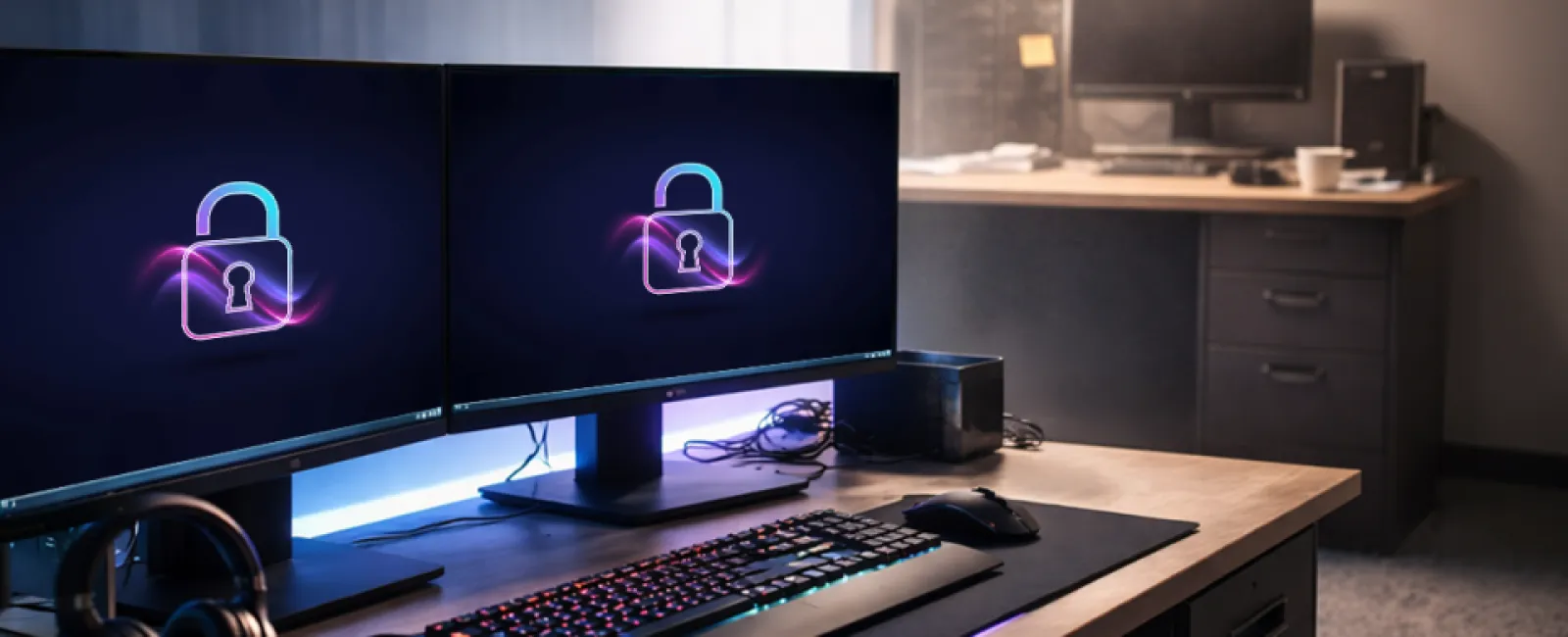
Fast forward to today, and your kid's gaming setup is better
maintained than a lot of business networks. Solid-state drives. Real-time
monitoring. Mesh Wi-Fi that actually reaches every room. Automatic updates.
Multi-factor authentication on every important account.
It's fast, secure, and tuned on purpose.
Now compare that to a typical office in Plymouth or anywhere
across the South Shore.
There's a desktop that takes forever to boot. The Wi-Fi
fades out in the conference room. The printer jams so often it practically has
a schedule. The shared drive is full of files named "Final_v2_ReallyFinal."
Updates get postponed because someone is busy, and backups are assumed to be
working because no one wants to find out otherwise.
No one designed it that way. But over time, it became
normal.
Gamers optimize relentlessly. Businesses often just adapt to
friction.
That difference has a cost.
Why Gamers Outperform Businesses
It's not really about budget.
A modern business workstation can cost about the same as a
high-end gaming PC. Business internet is usually better than residential
service (and if you want to make sure your network is running effectively in your office - we offer a free network assessment). Security tools, backup platforms, and monitoring systems are widely
available.
The difference is attention.
Gamers update everything because performance matters
immediately. If something lags, crashes, or drops off the network, they notice
it right away. They fix it because the cost is obvious.
In many offices around Norwell and Hingham, updates sit for
weeks. Not because anyone made a terrible decision, but because no one owns the
process closely enough to keep it moving.
Gamers also learn quickly that backups matter. Lose progress
once, and the lesson sticks. Businesses are no different. When a company relies
on outdated systems, unverified backups, or devices that haven't been patched,
that stops being an inconvenience and starts becoming a real cybersecurity and
continuity problem.
Gamers watch performance in real time. Most businesses wait
until someone says, "Is everything slow today?"
That is often the dividing line between reactive IT and
managed IT support in Southeastern Massachusetts. The tools are usually already
there. What's missing is steady oversight.
How Office Tech Gets Messy
No one builds an inefficient office on purpose.
It happens one decision at a time.
A new accounting platform gets added. Then a CRM. Then file
sharing. Then payroll. Then another security tool. Then a workaround because
two systems do not talk to each other. Each step makes sense on its own.
A few years later, the result is a patchwork.
We see this often in places like Marshfield and Duxbury,
especially in offices working out of older buildings or relying on
infrastructure that was never meant to support hybrid work, cloud platforms,
and modern security expectations. You end up with technology that technically
works, but does not really help people work well.
Gaming setups are built intentionally.
Business systems often grow by accumulation.
That is where the drag comes from.
The Hidden Price of Tolerance
The real cost is not always the dramatic outage everyone
fears.
More often, it is the daily friction people quietly accept.
A slow login. A missing file. Duplicate data entry because
systems do not sync. A frozen workstation. A reboot in the middle of the day. A
printer issue that somehow always comes back.
Each problem feels small on its own. Together, they drain
time, focus, and momentum.
In a 10-person office in Braintree during tax season, that
is not just annoying. That is lost capacity. In a law office in Hingham, it can
mean slower turnaround. In a construction business serving the South Shore, it
can mean office and field teams falling out of sync.
This is one of the most common hidden productivity problems
we see in local IT support work across Greater Boston and the South Shore. The
issue is not usually one catastrophic failure. It is the steady accumulation of
tolerated inefficiency.
Gamers refuse lag because they feel the cost immediately.
Businesses often absorb it until it starts to feel normal.
The Essential Question
When business owners talk about their technology, the most
common answer is, "It works fine."
And sometimes it does.
But working and working efficiently are not the same thing.
Are your systems actually integrated, or just sitting next
to each other? Do your employees move through technology smoothly, or around
it? Is someone actively monitoring performance, updates, backup health, and
risk? Or are you waiting for a problem big enough to force action?
Hardware gets replaced eventually. But software, workflows,
security settings, automations, and operational habits do not improve on their
own.
They need attention.
That is where managed IT services and proactive local IT
support make the biggest difference for Boston-area SMBs. Not by adding more
technology, but by making existing systems more stable, secure, and usable.
Try This Quick Check
Take a minute and see how your office stacks up:
- Do you
know how old your oldest workstation is?
- Can
you confirm your backups ran successfully last week?
- Is any
device on your network more than a week behind on updates?
- Do you
know your office's actual internet speed?
- Is
there a process for checking whether key systems are slowing down before
employees start complaining?
Most gamers could answer those questions about their setup
without thinking.
If those questions are harder to answer for your business,
that usually does not mean failure. It just means no one has had the time or
responsibility to watch the environment closely enough.
And that is fixable.
How We Help
Most businesses do not need more technology.
They need their current technology to work the way it
should.
For companies across the South Shore and Greater Boston,
that usually means fewer workarounds, fewer recurring issues, fewer surprise
slowdowns, and a clearer understanding of what is helping productivity versus
what is quietly getting in the way.
That is the value of local managed IT support. Faster
response when something breaks. Better familiarity with how Massachusetts
businesses actually operate. A more proactive approach to performance,
security, backups, and day-to-day reliability.
If your office technology feels functional but not
efficient, it may be time to take a closer look. A clear review can usually
tell you whether your systems are supporting your team or quietly slowing it
down.
Summary
Many small and mid-sized businesses in Southeastern
Massachusetts operate with inefficient, loosely managed IT systems, even while
consumer setups like gaming PCs are highly optimized and maintained. The issue
is not access to technology, but lack of consistent oversight, including
updates, backups, monitoring, and system integration. These inefficiencies
compound into measurable productivity loss, particularly in industries like
legal, financial, and construction. Local challenges such as aging infrastructure
and hybrid work environments across the South Shore and Greater Boston increase
this friction. Businesses that adopt proactive IT management improve
performance, security, and long-term operational efficiency.