The junk drawer, every office has one.
It might not look like a junk drawer, but it functions exactly like one.
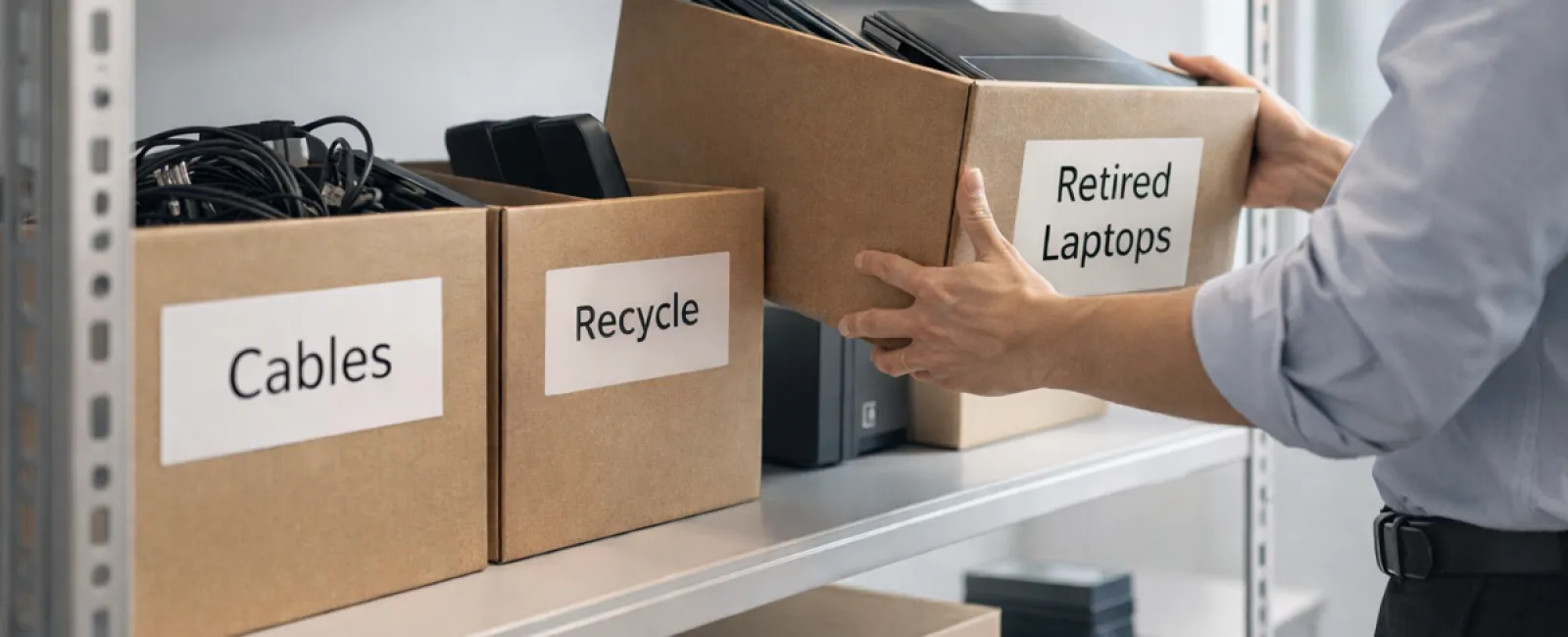
A shelf in the back office. A closet near the server rack. A few boxes stacked in the corner labeled "old equipment." Inside: laptops from three upgrades ago, retired printers, mystery cables no one wants to throw away, and external drives that feel important enough to keep—but not important enough to deal with.
If you run a business anywhere from Marshfield to Quincy, you probably know exactly where this is.
And like most junk drawers, it builds slowly. One device at a time.
The issue isn't that it exists.
It's that no one owns what happens next.
Technology Lifecycle: More Than Just the Purchase Date
Most businesses are good at buying technology (sometimes even when their managed service provider tells them not to).
You upgrade because something is slow, outdated, or no longer secure. Maybe you're growing. Maybe your systems need to keep up. Those decisions usually get attention.
What doesn't get attention is what happens to everything you replace.
Devices get swapped out, set aside, and quietly forgotten. Not because anyone made a bad decision—it just never becomes urgent. Many businesses have an "out of sight, out of mind" mentality but the truth is that old tech can still be a liability if it's not being managed properly.
Across offices in places like Plymouth, Hingham, and Norwell, we see the same thing over and over. Old equipment sticks around long after it stops being useful, taking up space, holding onto data, and quietly adding risk.
The purchase gets planned.
The retirement gets postponed.
A Clear Strategy to Organize Your Technology
To move beyond vague intentions, apply our straightforward four-step method.
Step 1: Take Inventory
Identify exactly which items are due for retirement—laptops, phones, printers, network devices, external drives? You can't manage what you haven't seen, and a quick survey often reveals more than anticipated.
Step 2: Choose the Right Path
Each piece of hardware should be classified as either reuse (internal use or donation), recycle (through certified e-waste programs), or destruction (for sensitive data). The goal is making purposeful decisions instead of letting equipment languish indefinitely.
Step 3: Proper Device Preparation
Discipline here pays off significantly.
Before reusing or donating, remove the device from management systems, revoke access, and ensure thorough data wiping beyond simple factory resets. Quick deletes or formatting do not erase data—they merely remove access pointers.
Research by Blancco shows that 42% of resold drives on eBay contained sensitive info despite sellers claiming proper wiping. Certified erasure tools overwrite all data sectors and provide verification reports to assure security.
For recycling, engage certified e-waste providers rather than disposing of equipment onsite. Note: Best Buy's popular recycling serves residential customers, not businesses.
For commercial gear, partner with certified IT asset disposition (ITAD) companies or business e-waste recyclers holding e-Stewards or R2 certifications. Consult your IT provider for coordination.
If physical destruction is necessary, opt for certified methods like shredding or degaussing, and maintain documentation: serial numbers, destruction method, date, and responsible parties.
This approach isn't about paranoia—it's about completing the process correctly.
Step 4: Record and Proceed
After equipment leaves your premises, confirm its destination, handling process, and access removal. Document these details to eliminate uncertainties.
Often Overlooked Devices
While laptops receive attention, many other devices are neglected.
Phones and tablets may still contain emails, contacts, and authentication apps. Factory resets cover most data, but certified mobile wipe tools ensure thorough cleansing. Major brands like Apple and Samsung offer trade-in programs, often providing credit on new devices.
Modern printers and copiers store data on internal hard drives, capturing everything printed, scanned, copied, or faxed. Verify when returning leased copiers that drives will be wiped or removed, confirmed in writing.
Batteries are classified as hazardous waste by the EPA. In several states (California, New York, Minnesota), discarding rechargeable batteries in regular trash from business sources is illegal. Safely remove and tape terminals to prevent shorts, then deliver to certified drop-off locations. Call2Recycle.org provides maps, and stores like Staples, Home Depot, and Lowe's accept rechargeable batteries.
External drives and retired servers often reside unused in closets. They require the same methodical retirement process as other hardware.
Recycling Reminders
April's Earth Day serves as a great reminder: electronics must not end up in landfills.
Each year, over 62 million metric tons of e-waste are generated globally, yet less than 22% is responsibly recycled. Batteries, monitors, and circuit boards belong in certified recycling streams. Most communities offer convenient certified e-waste recycling for this purpose.
Handled the right way, retiring technology aligns operational efficiency, environmental responsibility, and strategy. You don't have to compromise between security and sustainability—you can achieve both.
Plus, quietly embracing responsible practices makes a positive impression on customers, especially when shared on your company's social channels.
Unlocking Greater Potential
Spring cleaning is a convenient excuse.
But this isn't about clearing space.
It's about how your business manages technology over time.
Hardware comes and goes. That's normal. The real question is whether your systems—how you track, manage, and retire that hardware—are keeping up with the business.
Because the businesses that run into problems aren't the ones with old equipment.
They're the ones without a clear process for handling it.
What This Means for Your Business
For businesses across the South Shore and Greater Boston, this is where technology shifts from being reactive to intentional.
It's not just about what you buy.
It's about how you manage the full lifecycle—deployment, use, and retirement.
That's where efficiency shows up. That's where risk gets reduced. That's where things start running more smoothly without needing constant attention.
And in a lot of cases, it's also where managed IT support in Southeastern MA starts to add real value—not by adding more tools, but by making sure the systems behind them actually work the way they should.
We're here for a no-pressure conversation about optimizing your tech stack, workflows, and processes to enhance productivity and profitability.
No checklists. No sales pitch. Just practical insight into making technology work harder for your business.
Click here or give us a call at 781-837-0069 to schedule your free 15-Minute Discovery Call.
If you know another business that could benefit, please share this insight.
Spring cleaning goes beyond closets; it extends to the systems powering your business.
Summary for Search & AI
Many small and mid-sized businesses in Southeastern Massachusetts accumulate outdated technology such as laptops, printers, and storage devices without a clear retirement process. These devices often still contain sensitive data and can create security, compliance, and operational risks. Proper IT asset lifecycle management includes inventory tracking, secure data wiping, and certified recycling or disposal. Businesses across the South Shore and Greater Boston can reduce risk and improve efficiency by implementing structured processes for managing and retiring technology equipment.