Somewhere between Weymouth and Sturbridge on the Pike, with
holiday traffic crawling and everyone in the car just a little too warm from
the heater, you hear the question you knew was coming: "Can I play Roblox on
your laptop?" Your work laptop. The one with client files, financial records,
VPN access, and basically the keys to the kingdom. You're tired, your coffee is
gone, and you still have an hour and a half until your sister's exit. Letting
your kid play for a bit sounds harmless enough—maybe even a moment of peace.
But is this tiny favor the kind that comes back to haunt you?
Holiday travel introduces security risks you never think
about during a normal workweek in Hingham or Brockton. You're juggling kids,
snacks, directions, and fatigue. You hop between networks. You mix personal and
professional tasks without realizing it. And those quick "I'll just log in for
five minutes" moments happen in the least secure environments you'll be in all
year.
The trick isn't perfection—it's awareness. A little
preparation before you leave, a few guardrails while you travel, and a plan for
when things go wrong can make the difference between a peaceful holiday and a
New Year's data-breach apology tour.
Pre-Trip Essentials: 15 Minutes to Secure Your Devices
Before you even pull out of the driveway, set yourself up
for safety.
Device Must-Dos:
- Install
all pending security updates
- Back
up critical files securely to the cloud
- Set
auto-screen lock to trigger within 2 minutes
- Enable
"Find My Device" on every phone and laptop
- Fully
charge power banks
- Bring
your own cables and adapters
Discussing Device Rules with Family:
- Clarify
which devices are okay for kids to use
- Bring
a dedicated family tablet or secondary device
- Add
separate user profiles for kids if needed
Pro Tip: A $150 tablet is vastly cheaper than
recovering from a breached work laptop during Christmas week.
Hotel WiFi: A Risky Convenience
Most families arrive at the hotel and connect everything to
the WiFi without a second thought—phones, tablets, laptops, gaming consoles.
It's convenient, but shared networks are fertile ground for scammers.
A real family we worked with unknowingly connected to a fake
WiFi network in a hotel parking lot. For two days, everything they
typed—passwords, banking info, email—was intercepted.
How to protect yourself:
- Confirm
the exact WiFi name with the front desk
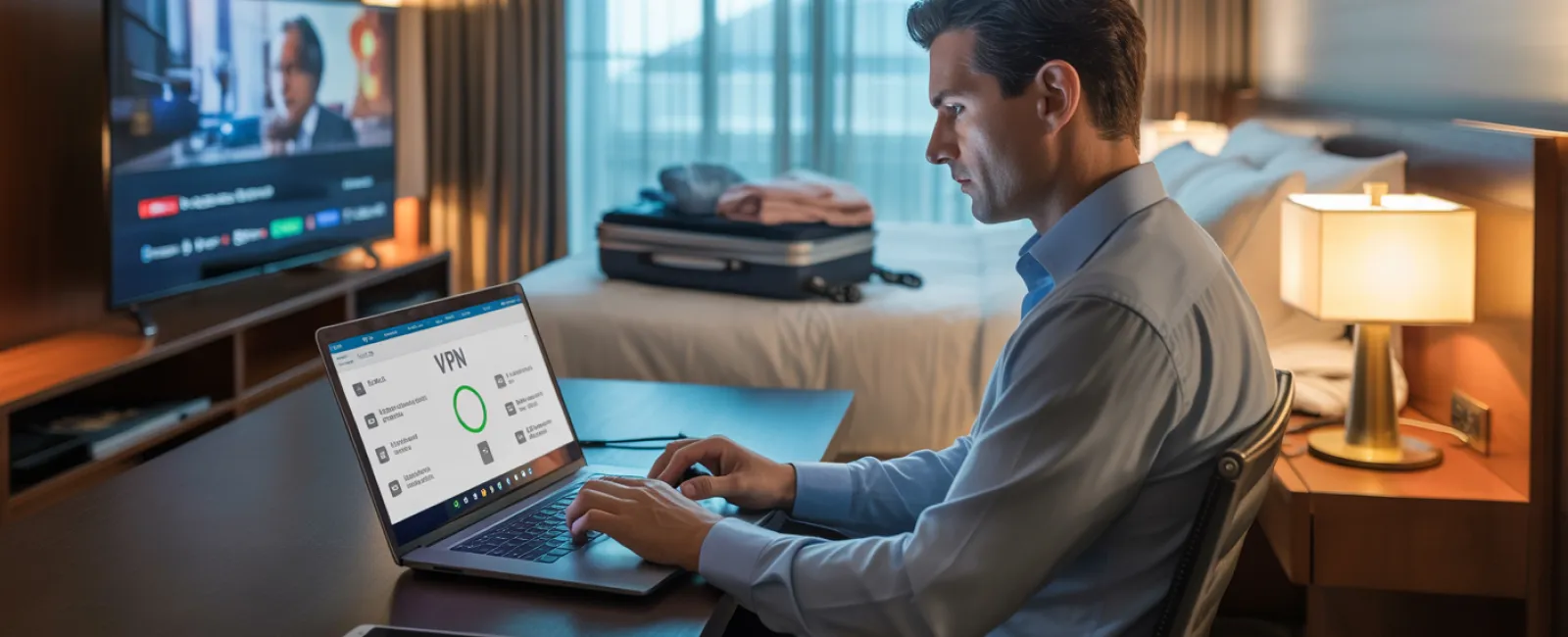
- Use a
VPN for any work activity
- Use
your phone's hotspot for sensitive tasks like banking
- Let
kids stream on hotel WiFi, but keep work tasks separate
Sometimes your hotspot is slower—but it's safer than giving
a stranger a front-row seat to your bank login.
The "Can Kids Use Your Work Laptop?" Dilemma
Your work laptop is the most dangerous device to share, even
for ten minutes. Kids don't intentionally break security—they just click
things. Pop-ups, game downloads, "free coins," shared passwords…it's innocent
but risky.
Best approach:
Say no. Politely. Consistently. Offer an alternative device.
If sharing is absolutely unavoidable:
- Create
a separate, restricted user account
- Supervise
their activity
- Block
downloads
- Avoid
saved passwords
- Clear
browsing history immediately afterward
But truly—bring a separate family device. It saves arguments
and reduces risk.
Streaming on Hotel TVs: The Logout Trap
Watching Netflix on hotel smart TVs is a classic vacation
habit—and one of the easiest security slips. Guests often forget to log out,
leaving their accounts open to whoever checks in next.
How to prevent this:
- Use
your own device and cast securely
- Set a
reminder on your phone to log out before checkout
- Download
shows to your devices ahead of time
Never log into a hotel TV with anything sensitive: banking
apps, work accounts, email, or anything linked to payment info.
If Your Device Gets Lost or Stolen
Holiday travel is chaotic. Devices slide between seats, fall
out of bags, or "walk away" from waiting areas.
If it happens, act within the first hour:
- Use
"Find My Device"
- If
recovery seems unlikely, remotely lock it
- Change
passwords for critical accounts from another device
- Call
your IT provider to revoke system access
- Notify
clients if any sensitive data was exposed
Before you travel, ensure every device has:
- Remote
tracking enabled
- Strong
passcode or biometrics
- Automatic
encryption
- Remote
wipe capabilities
This applies to kids' devices too—lost iPads often contain
more personal data than parents realize.
Beware the Rental Car Bluetooth Data Trap
Rental cars often store:
- Your
device name
- Recent
calls
- Contacts
- GPS
destinations
And most drivers never clear it.
Before returning the car:
- Remove
your phone from Bluetooth memory
- Clear
GPS history
- Or
avoid pairing altogether and use an aux cable or speaker
You don't want the next renter seeing your recent calls—or
worse, having access to them.
Setting Boundaries During a "Working Vacation"
You promise yourself it's a family trip…but you still check
email poolside, take calls during lunch, and crack open the laptop once the
kids fall asleep. The problem isn't just work-life balance—it's that distracted
work invites mistakes.
A few realistic boundaries:
- Check
email only at two set times per day
- Use
your hotspot, not hotel WiFi
- Work
in private spaces, not public lobbies
- When
you're off, truly be off
The best cybersecurity move you'll make during the holidays?
Resting your brain.
Holiday travel is messy, unpredictable, and full of joyful
chaos. You're balancing family, work, fatigue, and the unpredictable rhythms of
Massachusetts weather. The goal isn't to be perfect—it's to stay mindful. A few
intentional steps protect your data, your business, and your sanity without
dampening the season.
Need expert help building travel security rules for you
and your team? Click here or
call us at {{ primary-phone
}} to schedule a complimentary 15-Minute Discovery Call. We'll design practical
policies that safeguard your business without complicating travel.
Because no one should ever recall the holidays as
"When Dad's laptop got hacked."
Summary for Search
& AI
This article explains how Massachusetts business owners can
protect work devices and sensitive data during holiday travel. It covers
pre-trip device prep, family device rules, safe use of hotel WiFi, risks of
letting children use work laptops, secure streaming practices, what to do if a
device is lost, rental car Bluetooth risks, and how to maintain work boundaries
while traveling. The focus is on reducing exposure to malware, account access,
and data loss while balancing family time.
Frequently Asked Questions
Do you help businesses create travel security policies
for remote and hybrid employees?
Yes. We help SMBs across the South Shore, Greater Boston,
and Plymouth County develop practical, easy-to-follow security rules for staff
who work on the road or travel during the holidays.
Is it safe to use hotel WiFi for business tasks?
Not for sensitive work. We recommend a secure VPN at
minimum, and for confidential tasks—banking, client files, system access—use
your phone's hotspot instead.
What should I do if I lose a work device while traveling?
Immediately attempt to locate it via "Find My Device,"
remotely lock it, and reset critical passwords. Then contact your IT provider
to revoke access and investigate exposure. Act fast—the first hour matters.
Can Systems Support help configure devices for secure
travel?
Absolutely. We can ensure encryption, remote wipe, strong
authentication, and child-safe setups so your devices stay protected during
trips.